Last Updated: November 7, 2026
Quick Summary
Affordable digital wellness tools for large families work best when they use flat household pricing instead of per-child fees, cover multiple devices, and enforce limits automatically. Start with free options like Apple Screen Time, Digital Wellbeing, and the AAP Family Media Plan, then add a curated player such as Watchly Player for content control.
- Per-child pricing multiplies fast, so compare the annual cost for your actual household size.
- Watchly Player analyzes video transcripts against 21 safety themes and removes ads, comments, and recommendations.
- Set limits once in the tool so children argue with a dark screen, not a parent.
- Use separate admin accounts instead of one shared login to avoid privacy leaks.
- A tablet left in the bedroom undoes a bedtime window faster than any other choice.
Table of Contents
- Why Large Families Need a Different Digital Wellness Stack
- How We Evaluated These Digital Wellness Tools
- The Best Family Screen Time Management Apps for Multiple Kids
- Affordable Digital Wellness Tools for Large Families Free or Low Cost
- Setting Child Screen Time Limits and Bedtime Schedules That Stick
- Safe YouTube for Kids: What Parental Controls Actually Block
- Privacy, Data Handling, and Accessibility for Big Households
- Start Your Free Trial and Build a Household Media Plan
- Frequently Asked Questions
Why Large Families Need a Different Digital Wellness Stack
The math changes when you have four kids instead of one. A screen time rule that works for a single child collapses the moment three devices are in the same room, and the tools built for one-child households rarely survive contact with a big family. That is the core problem with most affordable digital wellness tools for large families: they are priced per child, designed for one device, and assume a parent has time to approve every request individually.
Digital wellness is the practice of managing how a family uses screens so that device time supports health, sleep, relationships, and learning rather than displacing them.
At Watchly Player, we built our player around exactly this constraint: one household, many children, wildly different needs. Below, we break down what actually works for big families, what each option costs in real terms, and where the trade-offs sit.
How We Evaluated These Digital Wellness Tools
We scored each option on five criteria a large family actually feels: cost per child, how many devices it covers, whether limits enforce themselves, how much parental time it demands, and what happens to your family's data.
The scoring matters more than any single feature. A free tool that requires you to approve every video manually costs you hours. A paid tool that covers five children on one subscription often beats a free tool that charges per profile.
| Criterion | What We Looked For | Why It Matters for Big Families |
|---|---|---|
| Cost per child | Flat household pricing vs per-seat | Per-child pricing multiplies fast |
| Device coverage | Tablets, phones, TV, multiple profiles | Kids share and swap devices |
| Automatic enforcement | Limits that hold without a parent | Negotiation fatigue is real |
| Parental time | Setup and daily oversight required | Time is the scarcest resource |
| Data handling | Clear no-sell policy, minimal collection | Children's data is not a product |
The Best Family Screen Time Management Apps for Multiple Kids
Family screen time management apps fall into two camps: those that watch the whole device, and those that control what happens inside a specific app. For households sharing one tablet between a toddler and a tween, safe YouTube for siblings of different ages shows how to set it up without constant switching. Big families usually need both, but if you can only pick one, control the content first.
The reason is simple. Time limits stop a session; content controls stop the thing that made the session harmful in the first place. Uncontrolled YouTube is a genuine threat to your children, and there are hundreds of research papers documenting the risks of unmoderated video feeds, autoplay rabbit holes, and recommendation algorithms tuned for engagement rather than child development.
Watchly Player: Built for Parents Who Want to Curate Every Video
Watchly Player is our pick for large families who want content control rather than blanket device surveillance.
What makes it work for a big household:
- Individual profiles for each child, with separate libraries and separate limits
- Customizable daily watch time, bedtime windows, and intermission breaks that enforce themselves
- Remote monitoring, so a working parent can check sessions without hovering
- No data selling or renting, which matters when you are handing over four children's viewing habits
Watchly Player lets you expose the best of YouTube to your kids without exposing them to the rest of it. Our co-founder Oshri Cohen built it as a father first.
Best for: households with three or more children of different ages sharing devices. Skip if: you only need total device lockdown rather than video-level curation.
Built-In Device Tools: Apple Screen Time and Digital Wellbeing
Apple Screen Time and Google's Digital Wellbeing are free and already on your devices. They track daily use, report app usage, and offer time-away tools. For a family on a tight budget, they are the correct starting point.
Where they fall short is granularity. Neither is built to curate a video library or judge whether a specific channel is appropriate for a specific child. If you are weighing built-in tools against a dedicated player, Watchly or Apple Screen Time? walks through the direct comparison.
Affordable Digital Wellness Tools for Large Families Free or Low Cost
Free tools should do the heavy lifting before you pay for anything, but for a large family the question is not "is it free?", it is "is it free for eight people across five devices, and what does it cost us in parent time instead?" That is the calculation most roundups skip, and it is the one that decides whether a tool survives a big household. The same household-wide accounting applies to family streaming services, where shared access and the time spent managing profiles can matter as much as the subscription cost.
The American Academy of Pediatrics offers a free Family Media Plan tool that helps households agree on screen-free times and places, and its guidance on building healthy digital habits is a sensible foundation for any household media plan.
Here is a starter stack that costs nothing and scales to a large family:
- AAP Family Media Plan for the household agreement, printed once per household and shared with every caregiver
- Apple Screen Time or Digital Wellbeing for device-level tracking, set up per child profile rather than per device
- A written bedtime rule posted where everyone can see it, with the same window for children close in age
- One shared charging spot outside bedrooms, sized for every device in the house
- A printable weekly media checklist for families who prefer paper to another app
That stack handles awareness and routine.
A common pattern in large households is that per-seat pricing multiplies fast: a tool that looks reasonable for one child becomes a serious line item at four.
Watch out: a "free" tool that requires you to approve every video manually still costs parent time, which in a large family comes out of the same evening every night.
For families comparing subscription models before committing, our 2026 guide to parental control app subscription costs breaks down how pricing structures differ, including which models scale by household and which scale by child.
Setting Child Screen Time Limits and Bedtime Schedules That Stick
Limits stick when the software enforces them and the parent does not have to. That is the single most useful principle we can offer a large family.
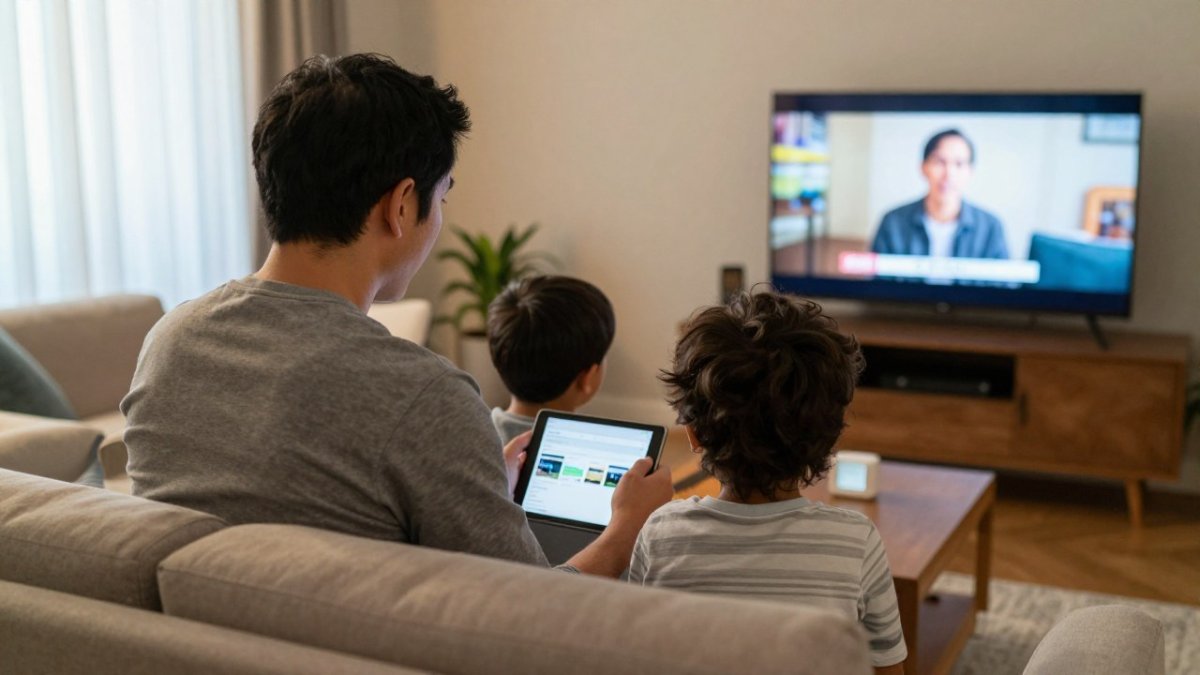
Set the limit once, in the tool, and let the tool be the bad guy. If you want the step-by-step version across YouTube Kids, iOS, and Android, our guide on how to set screen-time limits on YouTube for kids covers each device path.
Two common mistakes. First, setting different bedtimes for children close in age, which invites constant renegotiation. Second, leaving the device in the bedroom "just for audiobooks." Watch out: a tablet in the bedroom undoes a bedtime window faster than any other single choice.
Safe YouTube for Kids: What Parental Controls Actually Block
Most parental controls block categories and keywords. They do not watch the video.
YouTube Kids filters at the platform level, but moderation gaps remain, and parents report content that slipped through. If you want the fuller picture, our review asking is YouTube Kids actually safe examines those gaps in detail.
The alternative approach is curation: a parent-approved library where nothing enters without review. That is a different model, and for a large family it scales better than reactive blocking.
Privacy, Data Handling, and Accessibility for Big Households
Children's viewing data is sensitive, and a tool that monetizes it is not a wellness tool. The American Psychological Association's advisory on wellness applications recommends scrutinizing what these tools collect and how they justify their claims.
Most roundups stop at "check the privacy policy." For a big household, the practical questions are more specific:
- Who can see which child's data? Separate child profiles should keep libraries and logs separate, so a teenager cannot open a younger sibling's history.
- How many adults can administer the account? Two parents, a grandparent, or a paid caregiver may all need access, but with different permissions. Look for admin roles rather than a single shared password.
- What happens across households? In multigenerational or split-household families, the same child may use devices in two homes. A tool that ties limits to a profile rather than a device travels with the child; one that ties limits to a device does not.
- What is retained, and for how long? Viewing logs and transcripts are the most sensitive records. A clear retention statement is a better signal than a vague promise.
- Can you export or delete? A household should be able to leave with its data.
Accessibility matters just as much in a big household, and it is where most comparisons go quiet.
A low-tech fallback is not a failure. A printed household media plan works when the wifi does not, when a grandparent is babysitting, and when a child is grounded from devices but still needs the routine.
Start Your Free Trial and Build a Household Media Plan
The hardest part of digital wellness in a large family is not choosing a tool.
Watchly Player is built for that reality. Our AI-powered transcript analysis checks videos against 21 safety themes. Individual profiles give each child a separate library and separate limits.
Start your free trial and see how a curated library changes the mood in your house.
If your current setup depends on you remembering to check a timer, it is not a system. It is a hope.
Frequently Asked Questions
Are there free digital wellness tools for large families?
Yes. Apple Screen Time and Android Digital Wellbeing are built into devices at no extra cost, and the American Academy of Pediatrics Family Media Plan is a free planning resource. These cover basic tracking and household agreements. For content-level protection on YouTube, a paid tool is usually needed because built-in controls cannot inspect every video a child opens. Start with the free layers, then add one paid tool for the gap that matters most.
How can parents manage screen time for multiple children without paying per child?
Check how each app counts profiles before you subscribe. Some tools include several child profiles in one plan, while others charge per seat. Built-in device tools let you set separate limits per device, which works if each child has their own tablet. For shared devices, look for apps with individual profiles and separate libraries so one child's limits and approvals do not affect the others. Confirm profile limits on the pricing page before committing.
What features should families look for in family screen time management apps?
Prioritize four things: separate profiles for each child, automatic enforcement of daily limits and bedtime windows, content approval rather than keyword blocking alone, and clear data-handling terms. For YouTube specifically, check whether the app removes ads, comments, and autoplay recommendations, since those are where inappropriate content and rabbit holes usually start. A tool that enforces rules without negotiation saves more time than one that only reports usage after the fact.
How do I keep my kids safe on YouTube when they watch smaller educational creators?
Uncontrolled YouTube is a real threat to children, and hundreds of research papers document the risks of algorithm-driven feeds. The practical answer is parent approval at the video level rather than channel-level blocking, because small creators can publish one off-topic video that slips past broad filters. Watchly Player analyzes video transcripts against 21 safety themes, so parents can approve specific videos and expose kids to the best of YouTube without ads, comments, or autoplay.



