
Table of Contents
- Why Uncontrolled YouTube Is a Threat to Your Children
- Key Features to Look for in AI Safety Tools for Kids
- How to Block Ads on YouTube for Kids
- Benefits of Algorithmic Content Filtering for Families
- Privacy, COPPA Compliance, and Data Protection
- How Watchly Player Addresses These Safety Gaps
- Frequently Asked Questions
Last Updated: September 25, 2026
Why Uncontrolled YouTube Is a Threat to Your Children
Uncontrolled YouTube is a threat to your children because its recommendation engine is built to hold attention, not to protect young minds, and most ai safety tools cannot rein it in. Hundreds of research papers now document how quickly kids slide from a harmless cartoon into violent, sexual, or otherwise inappropriate content. The platform's autoplay feature does the sliding for them.
The scale of the problem is enormous. According to Common Sense Media's 2026 Generation AI report, 86% of children have used generative AI tools, yet 56% of kids and teens doubt that AI companies are prioritizing their safety. That doubt is well placed.
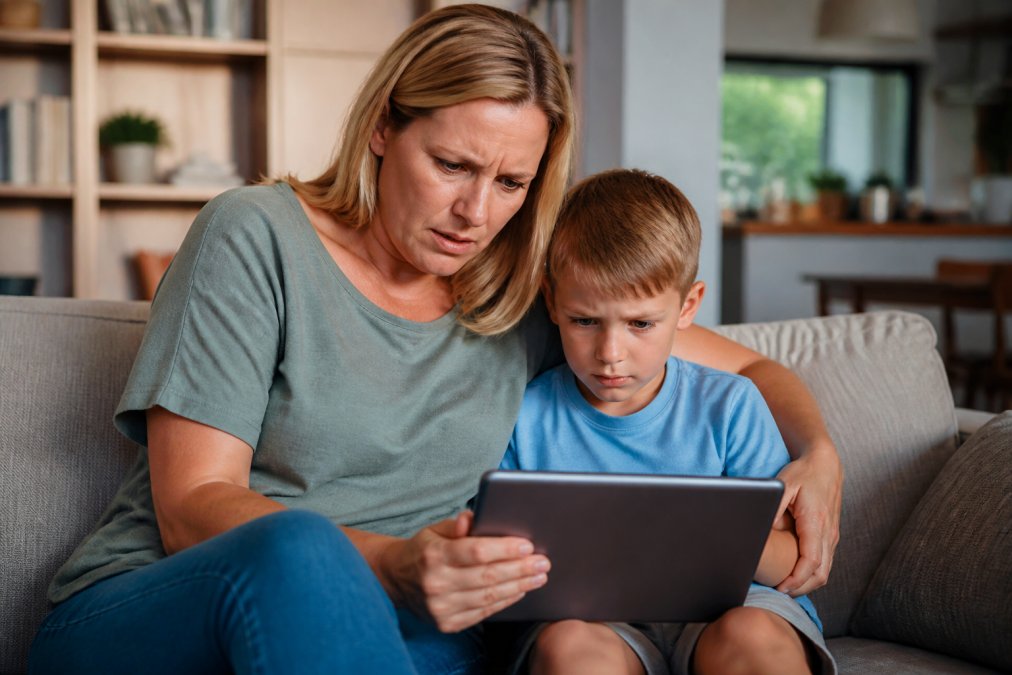
Here is what makes it worse. A national survey reported by KCRA3 covering Thorn's 2026 youth safety research found that 27% of minors have experienced online sexual interactions. Of those, 15% turned to AI chatbots for advice afterward. Kids are not just seeing harmful content. They are processing it alone.
This guide from Watchly Player breaks down what actually works: real filtering, real parental controls, and ad-free viewing that removes one of the biggest gateways to inappropriate material.
Key Features to Look for in AI Safety Tools for Kids
Most listicles hand you the same four traits: filtering, parental controls, privacy, and no ads. That is a starting point, not an evaluation. The problem with the standard checklist is that every vendor claims to check all four boxes, so the checklist stops discriminating between tools that actually protect kids and tools that just say they do.
What follows is a safety-first evaluation framework you can apply yourself, in about ten minutes per app, without trusting a single marketing page.
The Five-Point Safety-First Evaluation Framework
1. Does the filter read the video, or just the metadata? Title-and-tag filters are trivially defeated. A video titled "Fun Science for Kids" can contain dangerous instructions at minute four. Ask the vendor one question: does your filter analyze the transcript, the audio, or only the title, description, and tags? Transcript-level analysis is the current practical floor. Anything less is theater.
**2.
Content Filtering and Real-Time Monitoring
Content filtering is the automated process of scanning video before a child sees it and blocking anything that fails a safety check. Real-time monitoring goes further by watching sessions as they happen.
Parental Controls and Screen Time Management
Parental controls decide when, how long, and what your child can watch. Screen time management enforces those limits without a nightly argument.
Look for these capabilities:
- Daily watch time limits
- Bedtime windows that lock the app automatically
- Separate profiles per child
- A parent-approved video library
- Remote monitoring from your own device
How to Block Ads on YouTube for Kids
You cannot fully block ads on standard YouTube without paying for Premium, and even then, ads may still appear on some content. The reliable fix is to use an ad-free platform built for children from the start.
Here is the honest comparison:
| Approach | Blocks Ads | Blocks Comments | Blocks Autoplay | Parent-Approved Library |
|---|---|---|---|---|
| Standard YouTube | No | No | No | No |
| YouTube Premium | Mostly | No | No | No |
| Ad-free kids platform | Yes | Yes | Yes | Yes |
Why Ads Disrupt Learning and Safety
Ads break focus, and worse, they are not always age-appropriate. Research from Children and Screens on advertising in educational apps suggests that even in "educational" settings, embedded ads harm the learning process.
Ad-Free Platforms vs. YouTube Premium
YouTube Premium removes most ads but keeps the recommendation engine, comments, and autoplay. That is the core problem. The algorithm still decides what plays next.
Benefits of Algorithmic Content Filtering for Families
Algorithmic content filtering gives families a safety layer that human review alone cannot match. A parent cannot watch every minute of every video. Software can.
The benefits stack up quickly:
- Inappropriate content is caught before it plays
- Parents approve the library, so every video is pre-vetted
- Kids explore freely inside safe boundaries
- Screen time rules enforce themselves
- Less parental anxiety, more trust
How AI Analyzes Video Transcripts Against Safety Themes
The AI pulls the transcript from each video and scores it against a fixed list of safety themes. Anything that trips a theme gets flagged for parent review or blocked outright.
Privacy, COPPA Compliance, and Data Protection
Privacy is where many kids' apps quietly fail, and it is the section most competitor articles handle with a paragraph of buzzwords. COPPA compliance means the app follows US law on collecting data from children under 13, including getting verifiable parental consent and limiting what data is stored. But compliance is a floor, not a ceiling. An app can be fully COPPA-compliant and still harvest more data than any parent would knowingly allow.
Offline vs. Online AI Processing: The Privacy Question Nobody Asks
When a safety tool analyzes a video, that analysis has to happen somewhere. There are two models, and the difference matters enormously for your child's privacy.
What to Look For in a Privacy Policy
Watch for these markers of a trustworthy tool:
- COPPA-aligned data practices, with verifiable parental consent
- No selling or renting of user data, stated explicitly, not implied
- Data minimization, meaning the app collects only what it needs to function
- Encryption of stored data, in transit and at rest
- Clear user consent flows a non-lawyer can read
- A plain-language answer to: what happens to the video transcripts you analyze?
A 2026 review from KidsAI.app on top AI tools for schools highlights a clear industry shift toward "kid-safe" platforms that prioritize COPPA alignment, avoid data sales, and remove ads entirely. That shift is real, but it is also marketing. The only way to verify it is to read the policy and ask the transcript question directly.
The Transcript Question
Ask one blunt question of any provider: what happens to the video transcripts you analyze?
How Watchly Player Addresses These Safety Gaps
Watchly Player was built by parents who got tired of playing whack-a-mole with the YouTube algorithm. It closes the gaps that generic parental controls leave open.
Here is how it works:
- AI scans video transcripts against 21 safety themes before anything reaches your child
- Zero ads, zero comments, zero recommendation algorithms
- Only parent-approved videos appear in each child's library
- Customizable daily watch times, bedtimes, and intermission breaks
- Separate profiles for each child, each with its own library and limits
- Remote monitoring so you can check sessions from your own device
Frequently Asked Questions
Are there AI tools for kids that don't show ads?
Yes. Some AI safety tools for kids are built as ad-free environments from the ground up. Watchly Player, for example, removes all ads, comments, and recommendation algorithms so children only see parent-approved YouTube content. This matters because research from Children and Screens (2026) shows that even in educational contexts, embedded advertising negatively impacts the learning process. An ad-free tool eliminates that distraction entirely.
How does AI-powered content filtering protect children on YouTube?
AI-powered content filtering analyzes video transcripts against defined safety themes before a child can watch. Watchly Player uses this approach with 21 safety themes, checking each video for inappropriate content. A 2026 Common Sense Media report found that 56% of kids and teens lack confidence that AI companies prioritize their safety, which is why independent verification matters. Filtering works best when combined with parental approval of every video.
What are the risks of uncontrolled YouTube access for children?
Uncontrolled YouTube exposes children to ads, autoplay rabbit holes, and potentially harmful content. A 2026 Thorn survey found that 27% of minors have experienced online sexual interactions. Additionally, 15% of those minors sought advice from AI chatbots afterward. Hundreds of research papers document these risks. Tools that block ads and filter content, like Watchly Player, give parents control over what their children see.
What features should I look for in a child-safe video player?
Look for COPPA compliance, real-time content filtering, parental controls, and ad-free operation. Watchly Player offers AI-powered transcript analysis against 21 safety themes, customizable daily watch limits, bedtime windows, and individual profiles per child. It also never sells or rents user data. These features address both content safety and screen time management, two concerns parents consistently raise.
The hardest part of parenting in a digital age is that the threats move faster than the rules. Uncontrolled YouTube will keep testing your boundaries, and no single setting fixes it forever. Watchly Player gives you transcript-level AI filtering, ad-free viewing, automatic screen time enforcement, and strict data protection in one place. Start your free trial and hand your kids the good parts of YouTube, with none of the risk.