Last Updated: November 8, 2026
Quick Summary
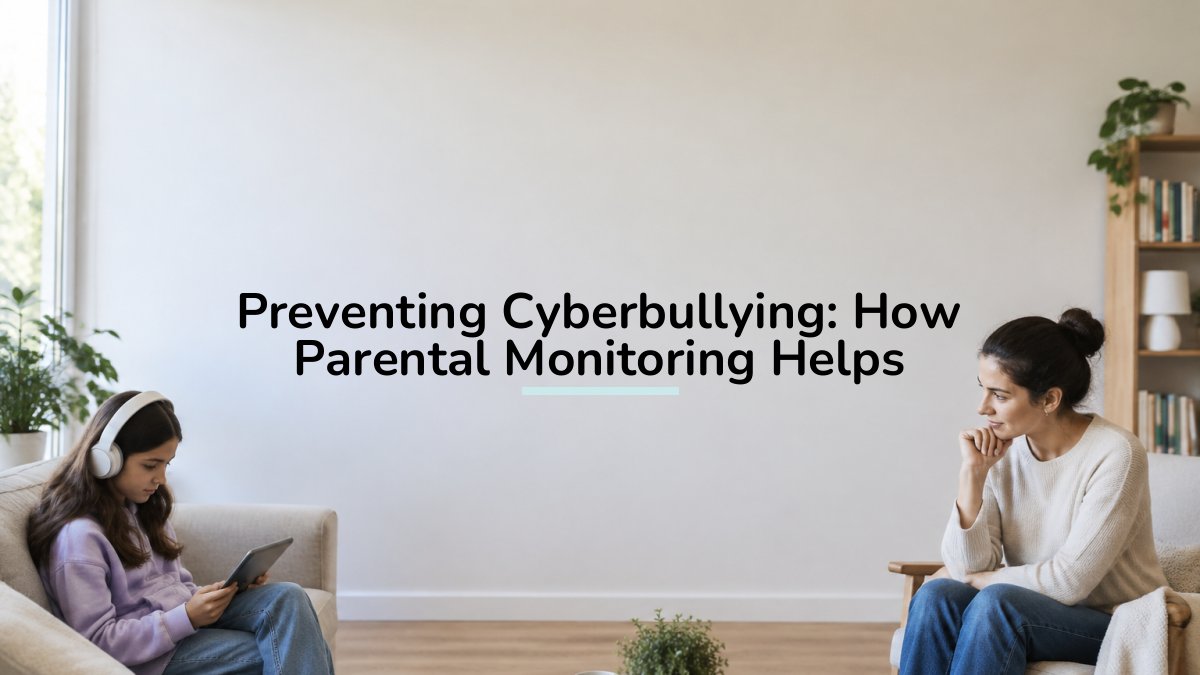
Preventing cyberbullying through parental monitoring means staying informed about which apps your child uses, who they talk to, and what content they see. Good monitoring builds a habit of openness, so children feel safe telling a parent when something feels wrong.
- Knowing which apps your child uses shows where harm can happen.
- Many children hide bullying out of shame or fear of losing their devices.
- Requiring approval for new apps and contacts blocks many problems before they start.
- Watch for secrecy about devices, upset feelings after screen use, and withdrawal from friends.
- Monitoring should loosen gradually as your child shows responsibility.
Table of Contents
- What Cyberbullying Is and Where It Happens
- How Parental Monitoring Helps Prevent Cyberbullying
- Cyberbullying Warning Signs in Children
- How Can Parents Prevent Cyberbullying at Each Age?
- How to Talk to Your Child About Cyberbullying
- Setting Up Parental Controls for Online Safety
- What to Do If Monitoring Reveals Cyberbullying
- Start Protecting Your Child's YouTube Viewing with Watchly Player
- Frequently Asked Questions
What Cyberbullying Is and Where It Happens
Cyberbullying is repeated, deliberate harm carried out through phones, tablets, game consoles, and computers. It can happen in messaging apps, social networks, online games, comment sections, and video platforms like YouTube. Unlike bullying at school, it can follow a child home and reach them at any hour.
This guide explains how parental monitoring fits into prevention. Parents who know where harm happens can act before it grows.
How Parental Monitoring Helps Prevent Cyberbullying
Parental monitoring means staying informed about what your child does online. It does not mean reading every message. It means knowing which apps they use, who they talk to, and what content they see.
Good monitoring builds a habit of openness. When children know a parent pays attention, they are more likely to speak up when something feels wrong. This matters most when a child is being targeted, because many children hide bullying out of shame or fear of losing their devices. That openness gives parents a chance to respond early and reinforce the shared responsibility of preventing bullying and harassment.
Monitoring also lowers exposure to risk. Limiting access to unfamiliar apps, reviewing friend lists, and setting clear rules around private messaging all reduce the chances that a child will be contacted by someone who means harm.
Why Uncontrolled YouTube Is a Risk for Young Children
YouTube is a major part of many children's days, and that is where the risk begins. The platform's recommendation system is built to keep viewers watching.
Researchers have published hundreds of studies on children's media use and its effects on behavior, sleep, and mood. Research on children's media use has raised concerns about unsupervised screen time and algorithm-driven feeds. Comment sections add another layer of risk, since they expose children to insults, pressure, and strangers.
Watchly Player lets parents expose their kids to the best of YouTube, through a parent-approved video library, without the ads, comments, and autoplay rabbit holes that create the risk.
The article points to a few concrete ways monitoring reduces risk, which the table below summarises.
| Monitoring action | What it does | Why it matters |
|---|---|---|
| Knowing which apps a child uses | Shows where harm can happen | Parents can act before harm grows |
| Building a habit of openness | Encourages children to speak up | Many children hide bullying out of shame or fear |
| Limiting unfamiliar apps | Lowers exposure to risk | Reduces contact from people who mean harm |
| Reviewing friend lists | Shows who a child talks to | Helps spot unknown or unsafe contacts |
| Setting rules for private messaging | Controls direct contact | Cuts the chance of targeted harassment |
Cyberbullying Warning Signs in Children
Children rarely announce that they are being bullied. Parents often notice changes in behavior first. Watch for these signs:
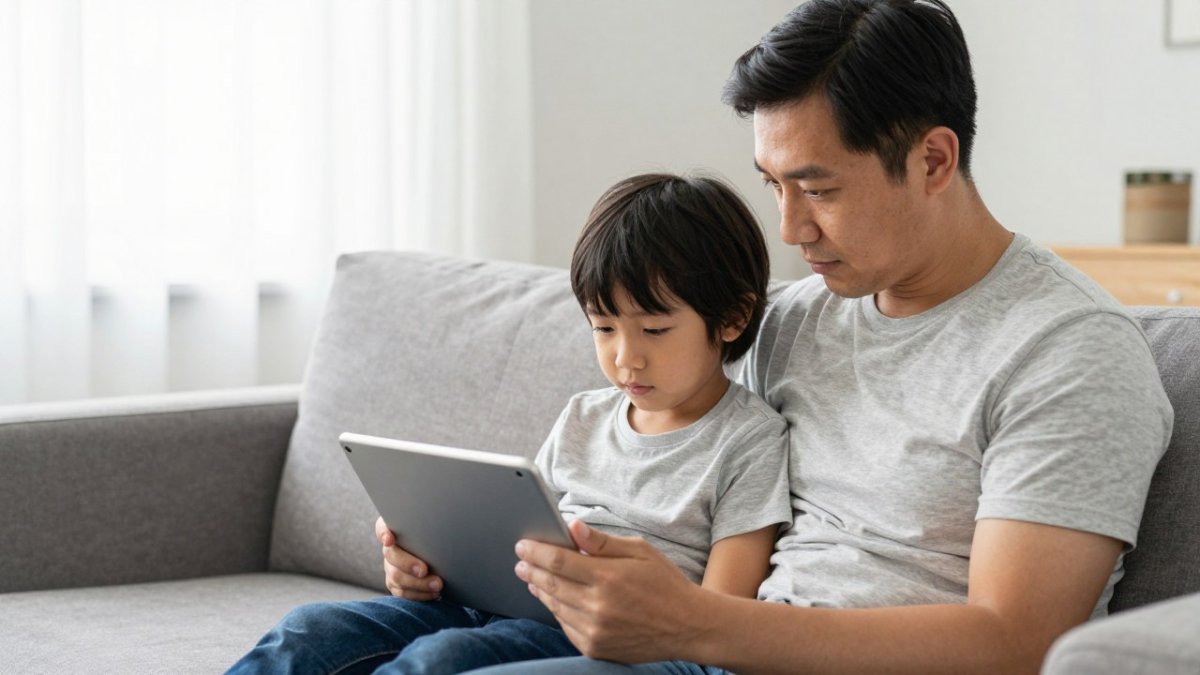
- Sudden secrecy about devices, especially when a screen is closed or turned away
- Upset feelings after using a phone, tablet, or computer
- Avoiding school, friends, or activities they used to enjoy
- Changes in sleep or appetite
- Deleting accounts or messages without explanation
- New anger, withdrawal, or sadness that has no clear cause
A simple way to check what your child has been watching is to review YouTube watch history. Open the YouTube app, tap your profile picture, then select Settings, History & privacy, and Watch history. Look for unfamiliar channels or videos that seem upsetting.
Not every sign means cyberbullying. Still, a cluster of these signs is a good reason to start a calm conversation.
How Can Parents Prevent Cyberbullying at Each Age?
Prevention works best when it matches a child's age and maturity. What helps a six-year-old is different from what helps a twelve-year-old. The most common mistake parents make is treating monitoring as a single setting they turn on once. In practice, the strongest prevention plans are reviewed and loosened gradually as a child demonstrates responsibility.
Here is a practical, age-banded plan that adjusts supervision, device access, and privacy together.
- Young children (ages 3 to 6): Keep devices in shared rooms and co-view whenever possible. Use a curated, parent-approved video library and avoid open comment sections entirely. At this age, monitoring is mostly environmental: you control the device, the room, and the content source. There is no expectation of private accounts because the child should not have them yet.
- School-age children (ages 7 to 10): Set up individual profiles, limit who can message them, and check in about games and video creators they follow. This is the age to introduce the idea that a parent may review watch history or friend lists, and to explain why. Give the child small choices, such as choosing between two approved channels, so monitoring feels collaborative rather than secret.
- Pre-teens (ages 11 to 12): Talk explicitly about privacy settings, screenshots, and what to do if someone is cruel to them. Begin disclosing your monitoring practices rather than hiding them. Many families agree on a short written list of what parents will and will not check, which protects trust while keeping a safety net in place.
- Teens (ages 13 and up): Shift from direct monitoring to check-ins and agreed-upon transparency. Discuss reporting tools, blocking, and how to support a friend who is targeted. Monitoring at this stage should focus on safety signals, such as sudden secrecy or distress, rather than routine content review.
Age-Appropriate Monitoring Plans
Monitoring should loosen gradually as a child grows. A plan that works for a young child becomes too restrictive for a pre-teen. Review the plan every few months, and adjust based on how your child handles responsibility.
A useful structure is to write the plan down together and revisit it at set intervals, such as the start of each school year.
Watch out: loosening restrictions too quickly after a single good month can remove the safety net before a child has the skills to handle a cruel message or a stranger's contact request. Move one step at a time, and keep the conversation open.
Uncontrolled YouTube remains a threat to your children at every age. Hundreds of research papers exist on children's media use, and Watchly Player lets you expose the best of YouTube to your kids through a parent-approved library.
How to Talk to Your Child About Cyberbullying
Start the conversation before a problem appears. Ask open questions such as, "What's the funniest thing you watched this week?" or "Has anyone said anything online that made you uncomfortable?"
Avoid reacting with anger or punishment when your child shares something hard. Children who fear losing their devices often stop telling their parents about problems. Instead, thank your child for telling you, stay calm, and ask what they need.
Keep the talk short and regular. Brief check-ins build trust more effectively than one long lecture.
Setting Up Parental Controls for Online Safety
Parental controls work best as part of a larger plan, not as a replacement for conversation. They also work best when your child knows they exist. Hidden surveillance tends to damage trust when it is discovered, and children who feel spied on are less likely to disclose problems. A transparent setup protects both safety and communication.
A Step-by-Step Monitoring Setup
Use this checklist to build a setup you can explain to your child.
- Start with the device. On phones and tablets, review screen-time limits, content and privacy restrictions, and app-install approvals in the device settings. On game consoles, check messaging and friend-request settings, since many cyberbullying incidents begin in game chat.
- Review each social and video platform. For every app your child uses, open the privacy settings and confirm who can message, comment, and see their profile. Turn off public comments where the option exists, and restrict direct messages to known contacts.
- Set approval requirements for new apps and contacts. This single control prevents many problems, because it stops unknown apps and strangers from reaching your child without your knowledge.
- Agree on what you will and will not check. Write down the boundaries together. For example, a parent might review watch history and friend lists but agree not to read private messages unless there is a safety concern. This is the consent and privacy trade-off at the heart of ethical monitoring.
- Test the reporting tools together. Show your child how to block and report a user on each platform, and practice once so the steps are familiar before a crisis.
- Schedule a review. Revisit the setup every few months and adjust as your child matures.
Limits and Risks of Monitoring Tools
No tool sees everything. Parental controls can miss activity on a friend's device, in a game's private chat, or in content that slips past a filter. They also cannot interpret context, so a flagged word may be a joke between friends or a genuine threat.
Watch out: relying on a filter alone can create a false sense of security, and a child who learns to route around it may become more secretive rather than safer.
Uncontrolled YouTube is a particular threat to your children. Hundreds of research papers exist on how algorithm-driven feeds and open comment sections expose young viewers to harmful content. Watchly Player lets you expose the best of YouTube to your kids through a parent-approved library, with no ads, comments, or autoplay rabbit holes.
What to Do If Monitoring Reveals Cyberbullying
If you find evidence of cyberbullying, stay calm and avoid deleting anything. Save screenshots of messages, usernames, and dates. Then:
- Reassure your child that they did nothing wrong by telling you.
- Block the account and report it through the platform.
- Contact your child's school if the bullying involves classmates.
- Seek support from a counselor or pediatrician if your child seems distressed.
- Review your monitoring settings together so your child understands the next steps.
Watch out: taking away all devices right away can make a child less likely to report future problems.
Start Protecting Your Child's YouTube Viewing with Watchly Player
Cyberbullying and harmful content are real risks, but a clear plan can reduce them. Start by talking with your child, setting sensible limits, and using tools that keep YouTube safe for young viewers. Watchly Player gives you a parent-approved library, automatic screen-time rules, and individual profiles for each child, so the best of YouTube stays within reach. Start your free trial today and see how it works for your family.
Frequently Asked Questions
How can parents prevent cyberbullying?
Parents can reduce cyberbullying risk by combining age-appropriate monitoring with open conversation. Start by setting clear device rules, keeping devices in shared spaces for younger children, and reviewing apps and accounts together. Monitoring works best when children know what is being checked and why. Pair it with regular check-ins so your child feels comfortable reporting problems early, before they escalate.
What are the warning signs that a child is being cyberbullied?
Common warning signs include sudden reluctance to use devices, anxiety or low mood after going online, secretive phone use, changes in sleep or appetite, and withdrawal from friends or activities. Some children also avoid school or show a drop in grades. None of these signs proves cyberbullying on its own, but a cluster of them is a reason to ask calmly and gently what is happening online.
How can parents talk to their child about cyberbullying?
Choose a calm moment rather than a crisis, and ask open questions such as what they enjoy watching or who they talk to online. Explain that they will not be punished for reporting something upsetting. Avoid immediately taking away devices, since many children stop disclosing when they fear losing access. Reassure them that you want to help and that they did the right thing by telling you.
What should a parent do if their child is being cyberbullied?
Stay calm, listen fully, and save evidence such as screenshots and messages before blocking or deleting anything. Use the platform's reporting tools and block the accounts involved. Contact your child's school if the bullying involves classmates, and consider support from a counsellor or pediatrician if your child seems distressed. Keep the lines of communication open over the following weeks.



