Last Updated: November 1, 2026
Quick Summary
To foster mindful media habits in children, build a family media plan together, set device-level limits that enforce themselves, and keep the conversation curious rather than judgmental. Match your approach to your child's age, and use a parent-approved library so autoplay and recommendations never decide what comes next.
- Hold a 15-minute family meeting so kids help write the media plan and defend it.
- Post a one-page plan on the fridge covering device-free zones, times, content rules, and a monthly review.
- Pair every screen time limit with a five-minute warning and a ready next activity.
- At age 3, keep autoplay off and pre-load a small playlist of approved videos.
- At age 11, co-review watch history weekly and ask why the algorithm served each video.
Table of Contents
- Why Mindful Media Habits Matter More Than Screen-Time Totals
- How to Talk to Kids About Media Use Without a Lecture
- Build a Family Media Plan for Children That Everyone Actually Follows
- How to Set Screen Time Limits for Children Without Daily Battles
- YouTube Parental Controls for Kids: What Built-In Settings Miss
- Age-by-Age Guidance: What Mindful Media Looks Like at 3, 7, and 11
- Start Your Family's Mindful Media Reset With Watchly Player
- Frequently Asked Questions
Why Mindful Media Habits Matter More Than Screen-Time Totals
Most parents count minutes. That is the wrong number.
Mindful media habits are the daily routines and choices that shape how a child uses digital media, not just how long they use it.
That distinction matters more than ever. Uncontrolled YouTube is a genuine threat to your children.
Below, we'll show you exactly how to foster mindful media habits in children, and the small shifts that make the biggest difference.
How to Talk to Kids About Media Use Without a Lecture
Open with curiosity, not a warning. Kids shut down when a conversation starts with a rule. They lean in when it starts with a question.
Try this: "What's the best thing you watched today?" Then actually listen. That single question opens the door to honest conversations about what they see online, and it works at almost any age.
A few habits that keep the dialogue open:
- Ask about the video, not the screen: "What happened in that one?" beats "How long have you been on that?"
- Share your own media use, including the parts you regret
- Keep your tone nonjudgmental when they tell you something uncomfortable
The goal is a child who tells you when something weird shows up, not one who hides it.
Build a Family Media Plan for Children That Everyone Actually Follows
A family media plan for children works best when kids help write it. Establishing these collaborative boundaries serves as a foundational step for families who wish to create intentional family routines that extend well beyond the screen.
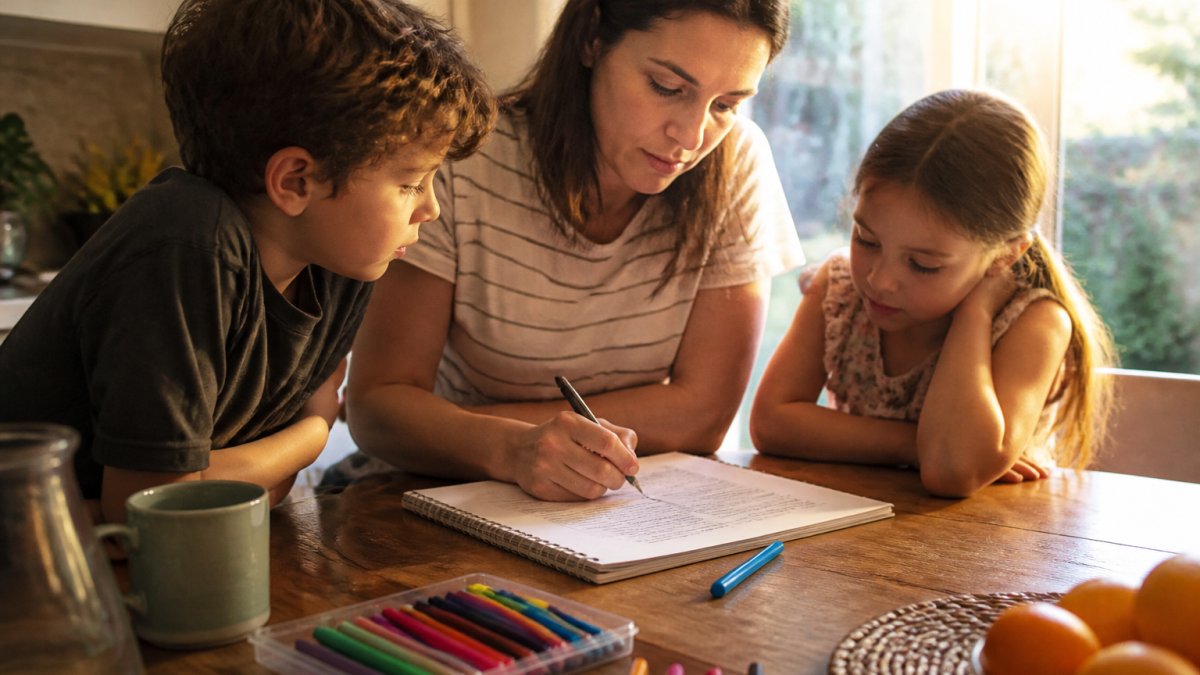
Step 1: Hold a 15-minute family meeting
Pick a calm moment, not the middle of a conflict. Bring paper and pens. Ask three questions and write down every answer without editing:
- When do screens get in the way of things we like doing together?
- What do we each want more time for, sleep, play, reading, sports, friends?
- What should happen when someone breaks the plan?
Kids who help answer these questions become co-authors of the plan, which is the single biggest predictor of whether it survives past week two.
Step 2: Fill in the one-page template
Keep it short and specific. A plan that fits on one page gets used. Here is a simple structure you can copy onto a sheet of paper and post on the fridge:
| Part of the Plan | What to Write Down | Example |
|---|---|---|
| Device-free zones | Where screens never go | Bedrooms, dinner table, car on short trips |
| Device-free times | When screens go off | Meals, first hour after school, the hour before bed |
| Content rules | What gets watched and approved | Parent-approved channels only; no autoplay |
| Check-in habit | How you talk about what they saw | One question at dinner each night |
| Break habit | What happens when a session ends | Five-minute warning, then a snack or outdoor activity |
| Review date | When you revisit the plan | First Sunday of every month |
Step 3: Write sample household rules in kid language
Vague rules get argued with. Specific rules get followed. Here are sample rules you can adapt:
- "Screens stay at the kitchen table. They do not come to your bedroom."
- "We watch one show, then we put the tablet away and go outside."
- "If something weird shows up, tell a grown-up. You will not get in trouble."
Notice that each rule names a specific behavior, a specific time, and a specific place. That specificity is what makes the plan enforceable without daily negotiation.
Step 4: Put the plan where everyone can see it
Post the one-page plan on the fridge or a family bulletin board. Kids who can point to the rule are less likely to argue about it. Adults who can point to the rule are less likely to bend it when tired.
Step 5: Follow it yourself
Parental modeling is the single strongest signal you can send. If the plan says no phones at dinner, the adults put their phones away too. If the plan says no autoplay, the adults turn off autoplay on their own devices. Kids notice the gap between what we say and what we do faster than almost anything else.
Step 6: Review and adjust every month
Set a recurring review date, the first Sunday of the month works well. Ask three questions: What is working? What is not? What should we change? Adjust one thing at a time so the plan stays stable enough to follow.
Uncontrolled YouTube is a genuine threat to your children, and there are hundreds of research papers documenting the risks of autoplay, recommendation rabbit holes, and unsupervised content. A family media plan is the first line of defense. Watchly Player is the second: it lets you expose the best of YouTube to your kids inside a parent-approved library, with no ads, comments, or autoplay, so the plan you wrote together actually holds when you are not in the room.
How to Set Screen Time Limits for Children Without Daily Battles
The trick to setting screen time limits for children is to remove the negotiation. Limits that live in a parent's head get argued with. Limits that live in the device just happen.
Start with these steps:
- Agree on the daily limit together, in advance, when everyone is calm.
- Set it inside the tool you actually use, not in a verbal promise.
- Pair the limit with a bedtime window so the device goes quiet on its own.
- Give a warning before the limit hits, so the end does not feel sudden.
- Offer a next activity ready to go: a snack, a game, a walk.
If the limit only exists as your spoken word, it is easy for a child to work around it. For a fuller walkthrough of device-level setup, see our guide on how to set daily screen time limits.
YouTube Parental Controls for Kids: What Built-In Settings Miss
Built-in YouTube parental controls for kids catch some problems and miss others. That gap is where most parents get surprised.
Here is what the standard settings generally do not solve:
- Autoplay keeps serving the next video, and the next, pulling kids down rabbit holes
- Recommendations learn from what a child clicks, not from what you would approve
- Comments and ads still reach young viewers
You can reduce part of the risk by turning off autoplay for your kids device by device. For a side-by-side look at the tools that do more, our roundup of the best parental controls for YouTube covers the options.
This is exactly the problem Watchly Player was built to solve. Our platform analyzes video transcripts against 21 safety themes, so only parent-approved videos reach your child. No ads, no comments, no recommendation engine.
Age-by-Age Guidance: What Mindful Media Looks Like at 3, 7, and 11
Mindful media habits look different at every age, because children process media differently. Matching your approach to their stage beats applying one rule to the whole family. The sections below give you concrete scripts, red flags, and setup steps for each stage, the kind of detail most screen-time guides skip.
Age 3: company and calm
A toddler needs a parent nearby and slow, gentle content. Short sessions, lots of repetition, and a clear end point work best.
What to say: "Let's watch one together, then we'll put it away and build with blocks." Name the end before you start.
Setup step: put the device in a shared room, keep autoplay off, and pre-load a small playlist of approved videos so your child never sees a recommendation feed.
Age 7: rules and reasons
A seven-year-old can understand why a rule exists and will test it anyway. Keep limits automatic, keep the library curated, and keep asking what they watched.
What to say: "The tablet stops at 4:30 because your brain needs a break before homework.
Setup step: set the daily limit inside the device or app, add a bedtime window, and give a five-minute warning before the cutoff.
Age 11: conversation and critical thinking
An eleven-year-old needs digital literacy skills more than a locked door. Talk about why algorithms serve certain videos, who made the content, and what it wants from them.
What to say: "Why do you think that video showed up in your feed?
Red flags at this age: passive scrolling with no clear intent, secrecy about what they watch, and mood shifts after long sessions.
The thread that connects all three ages
At every stage, the goal is the same: help your child notice what they are doing, why they started, and how they feel afterward. A three-year-old learns this through your narration. A seven-year-old learns it through automatic limits and short check-ins. An eleven-year-old learns it through conversation about algorithms and intent. Uncontrolled YouTube is a genuine threat to your children at every one of these stages, there are hundreds of research papers documenting the risks of autoplay, recommendation rabbit holes, and unsupervised content, which is why Watchly Player lets you expose the best of YouTube to your kids inside a parent-approved library, with no ads, comments, or autoplay.
Start Your Family's Mindful Media Reset With Watchly Player
The hardest part of mindful media use is consistency. Rules slip when you are tired, working, or just out of patience. That is precisely when an automatic system earns its place.
Watchly Player gives you:
- A parent-approved library only. Videos are analyzed by AI against 21 safety themes so only parent-approved content reaches your child.
- Automatic limits. Set daily watch time and bedtime windows that enforce themselves, with no negotiation.
- Separate profiles. Each child gets their own library and limits.
Designed by parents for parents, Watchly Player exists so you can hand over the best of YouTube without handing over the rest. See our comparison of Watchly Player and Google Family Link.
If you want the bigger picture on managing screen time before you start, our guide on managing child screen time is the place to begin.
Frequently Asked Questions
What does mindful media use mean for children?
Mindful media use means children engage with digital media on purpose rather than by autopilot. In practice, it looks like choosing a specific video instead of scrolling a feed, noticing how a show makes them feel, and stopping when the time is up. It also involves parents co-viewing and talking about what's on screen. The goal isn't less media for its own sake, it's media that adds something: learning, laughter, connection. Mindful media habits replace the endless autoplay loop with a clear beginning, middle, and end to each session.
How can parents set screen-time limits without arguments?
Set the limits before the device is on, not in the middle of a video. Agree on daily watch time and bedtime windows during a calm family conversation, write them into your family media plan, and let a tool enforce them so you're not the bad guy every evening. When the rule is automatic and predictable, there's nothing to negotiate. Watchly Player, for example, enforces daily watch times and bedtime windows automatically, which removes the daily standoff and lets kids know exactly what to expect.
How can I make YouTube safer for my child?
Start with YouTube parental controls for kids: turn on Restricted Mode, review watch history regularly, and block channels you don't recognize. Built-in settings help, but they still leave ads, comments, and recommendation algorithms in the mix. A curated layer on top, like Watchly Player, analyzes video transcripts against 21 safety themes and only shows parent-approved videos, with no ads, comments, or autoplay rabbit holes. Combined with open conversation about what your child watches, that gives you both control and context.
How do I talk to my child about online videos and content?
Ask before you tell. Start with a simple question like what they watched today and what they liked about it, then listen without judgment. If something worrying comes up, stay curious rather than alarmed: ask what happened next and how it made them feel. Short, regular check-ins work better than one big talk. These honest conversations build the trust that makes kids come to you when they see something strange, which matters more than any filter.
Uncontrolled YouTube will keep finding new ways to reach your kids, and the research on its risks keeps piling up. You do not have to fight that alone. Start a free trial with Watchly Player and give your children a safer, calmer way to explore the videos they love.



