Last Updated: October 26, 2026
Quick Summary
Online safety digital natives need refers to the practices, tools, and habits that protect young people who've grown up with constant internet access from harmful content, predatory behavior, privacy breaches, and psychological impacts of unfiltered digital exposure. The real challenge isn't keeping kids offline, but creating an environment where they can explore, learn, and enjoy digital content safely.
- Teach children what personal information means beyond addresses and phone numbers, including school names, sports teams, and daily routines.
- Create a household rule where kids ask parents before clicking suspicious links, emails, or offers that seem too good to be true.
- Uncontrolled YouTube poses a significant threat to children and can lead to algorithmic rabbit holes exposing them to inappropriate content.
- Combine parental controls with regular conversations about online safety for better outcomes than relying on technology alone.
- Use parent-approved video libraries without recommendation algorithms to expose children to quality YouTube content safely.
Table of Contents
- What Online Safety Means for Digital Natives
- Why Online Safety for Children Matters More Than Ever
- Online Safety for Children: Core Risks and How to Address Them
- Managing Your Child's Digital Footprint for Kids
- Internet Safety Tips for Parents: Building Healthy Habits
- YouTube Safety for Kids: Protecting Against Algorithmic Rabbit Holes
- What to Do When Your Child Encounters Harmful Content Online
- Creating a Safe Digital Environment for Your Family
- Frequently Asked Questions
What Online Safety Means for Digital Natives
Online safety digital natives need refers to the practices, tools, and habits that protect young people who've grown up with constant internet access from harmful content, predatory behavior, privacy breaches, and the psychological impacts of unfiltered digital exposure. Unlike previous generations, digital natives don't view the internet as separate from their lives, so traditional safety advice often misses the mark.
At Watchly Player, we work with parents who understand that the internet isn't going away, but neither is the risk. Uncontrolled YouTube, in particular, poses a significant threat to children. There are hundreds of research papers about it that could be referenced.
The real challenge isn't keeping kids offline. It's creating an environment where they can explore, learn, and enjoy digital content safely.
Why Online Safety for Children Matters More Than Ever
The stakes for online safety have never been higher.
This is where understanding the difference between passive blocking and active curation becomes critical. Passive blocking says "no" to categories of content. Active curation, like what Watchly Player provides through AI-powered transcript analysis against 21 safety themes, means videos in the parent-approved library have been analyzed.
Online Safety for Children: Core Risks and How to Address Them
Protecting Personal Information and Privacy
Start by teaching kids what personal information actually means: not just their address and phone number, but also school names, sports teams, friend groups, and daily routines. Show them how a few innocent details can paint a picture of their life. Balancing this awareness with positive digital habits is essential for keeping kids engaged in meaningful activities that prioritize their privacy and well-being.
Then audit the platforms they use. Check privacy settings, understand what data is collected, and dig into the separate privacy controls for children that are often buried in settings menus.
For YouTube specifically, uncontrolled viewing can expose children to inappropriate content and algorithmic rabbit holes.
Recognizing Suspicious Links, Emails, and Scams
Teach kids to pause before clicking.
Create a household rule: if something seems too good to be true, ask a parent before clicking. Make it safe to ask without judgment.
Understanding Cyberbullying and Respectful Online Behavior
Digital natives need to understand that online behavior has real consequences. They should think before posting, not after.
The flip side is teaching empathy in digital spaces. Remind them that there's a real person on the other side of the screen. The same kindness rules that apply in person apply online.
Digital natives face several key online safety risks, each requiring a different approach from parents.
| Risk | What It Includes | How to Address It |
|---|---|---|
| Privacy breaches | Address, phone number, school name, sports teams, daily routines | Audit platform privacy settings and teach what personal information means |
| Suspicious links and scams | Too-good-to-be-true offers, phishing emails, malicious links | Create household rule to ask parent before clicking anything suspicious |
| Cyberbullying | Disrespectful posts, mean comments, online harassment | Teach kids to think before posting and show empathy for real people online |
| Algorithmic rabbit holes | Uncontrolled YouTube exposure to inappropriate content spirals | Use parent-approved video libraries without recommendation algorithms |
Managing Your Child's Digital Footprint for Kids
Set guidelines together: what kinds of photos are okay to post, who should they accept friend requests from, and what should never be shared publicly? The specifics depend on age and maturity.
You can also learn specific strategies to prevent YouTube's algorithm from leading children into inappropriate content spirals and understand best practices for protecting children's social media privacy and controlling their online presence.
Internet Safety Tips for Parents: Building Healthy Habits
Creating Strong Passwords and Securing Accounts
Make account security a shared responsibility. You don't need to know every password, but you should know which accounts exist and periodically check that security settings are in place.
Setting Boundaries and Screen Time Limits
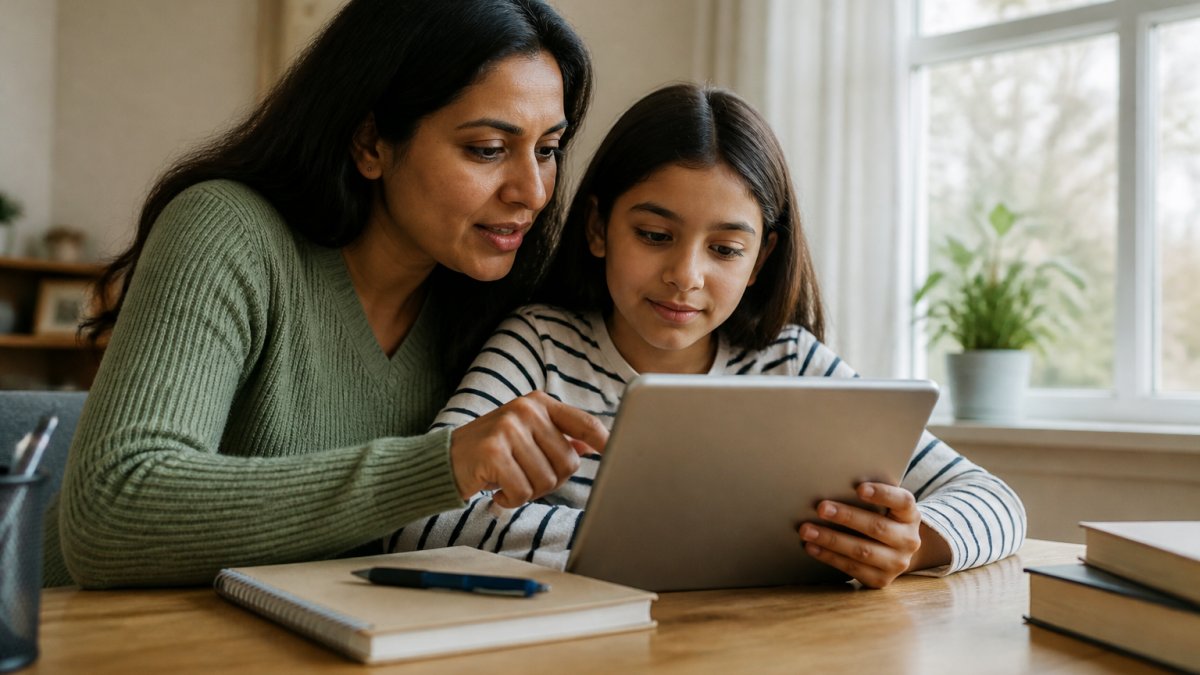
Watchly Player offers customizable daily watch times, bedtime windows, and intermission breaks, and enforces screen time rules automatically.
You can also discover proven methods to prevent children from circumventing parental controls and screen time restrictions to ensure your boundaries actually stick.
Open Communication and Teaching Media Literacy
Explain how algorithms work in kid-friendly terms. Explore AI-powered safety tools that help parents manage online content without relying on ads-based platforms. Help them understand that YouTube's recommendation system isn't trying to help them learn, it's trying to keep them watching. When they understand that, they're less likely to blame themselves for getting sucked into rabbit holes.
YouTube Safety for Kids: Protecting Against Algorithmic Rabbit Holes
Uncontrolled YouTube is a threat to children's online safety.
There are hundreds of research papers about uncontrolled YouTube that could be referenced.
Watchly Player analyzes video transcripts against 21 safety themes. The platform eliminates recommendation algorithms.
Watchly Player allows you to expose your child to the best of YouTube through a parent-approved video library, without ads, comments, or recommendation algorithms.
What to Do When Your Child Encounters Harmful Content Online
The goal isn't to eliminate all risk, that's impossible. It's to help your child develop resilience and judgment so they can navigate the digital world with confidence.
Creating a Safe Digital Environment for Your Family
According to Common Sense Media research on children's digital wellness, families that combine parental controls with regular conversations about online safety see better outcomes than those relying on technology alone. The research emphasizes that no tool is a substitute for engaged parenting.
For YouTube specifically, Watchly Player provides a parent-approved video library, customizable daily watch times, and no recommendation algorithms.
The goal is to create an environment where your child can explore, learn, and enjoy digital content.
Frequently Asked Questions
What does online safety mean for digital natives?
Online safety for digital natives means understanding and managing the risks that come with growing up connected to the internet. It includes protecting personal information, recognizing scams and harmful content, respecting others online, and developing critical thinking about what you see. Digital natives have access to information and social connection. Teaching children to navigate the internet is important.
How can parents teach children to protect their digital footprint for kids?
Start by explaining what a digital footprint is: the trail of information your child leaves online. Teach them to think before posting or sharing. Discuss privacy settings on social media and apps. Show them how to limit what personal information they share, avoid accepting friend requests from strangers, and be cautious about location sharing. Regular conversations about digital decisions can help children think about what they share online.
What are the biggest online safety risks children face today?
Risks include exposure to inappropriate content and algorithmic rabbit holes. Uncontrolled YouTube is a threat to children, there are hundreds of research papers about it that could be referenced. Teaching risk awareness and maintaining open communication can help families discuss online safety.
How can parents make YouTube safer for children?
Watchly Player analyzes video transcripts against 21 safety themes, provides a parent-approved video library, and eliminates ads, comments, and recommendation algorithms. Parents can set customizable daily watch times, bedtime windows, and intermission breaks. Watchly Player allows parents to expose children to the best of YouTube through approved content.
What should a child do if they encounter something upsetting online?
Teach children to stop, step away, and tell a trusted adult. Explain that seeing upsetting material is not their fault, and adults are there to help. Create a safe environment where children feel comfortable talking about online experiences.
How do I know if an online safety tool is actually protecting my child?
Watchly Player analyzes video transcripts against 21 safety themes, provides a parent-approved video library, and eliminates ads, comments, and recommendation algorithms. It offers customizable daily watch times, bedtime windows, and intermission breaks, and protects user data by never selling or renting information. A free trial is available.
Protecting your child's digital experience takes more than hope and generic parental controls. Watchly Player analyzes video transcripts against 21 safety themes, ensures every video is parent-approved, eliminates YouTube's recommendation algorithm entirely, and enforces screen time rules automatically. Start a free trial and experience peace of mind knowing exactly what your child is watching.



